
Real reviews from real customers. See why businesses choose BlueKey IT.
Read All ReviewsBlueKey IT works alongside your internal IT staff. Whether you have one IT person or a small team, you choose the support you need: help desk overflow, 24/7 monitoring and SOC, project help, or vacation and after-hours coverage. Your team stays in control, gets logins to our tools, and has backup when it matters.
Pick only the modules you need · Shared access to Datto RMM, Datto EDR, and IT Glue · 24/7 monitoring and SOC · 200+ customers and 6,000+ endpoints managed
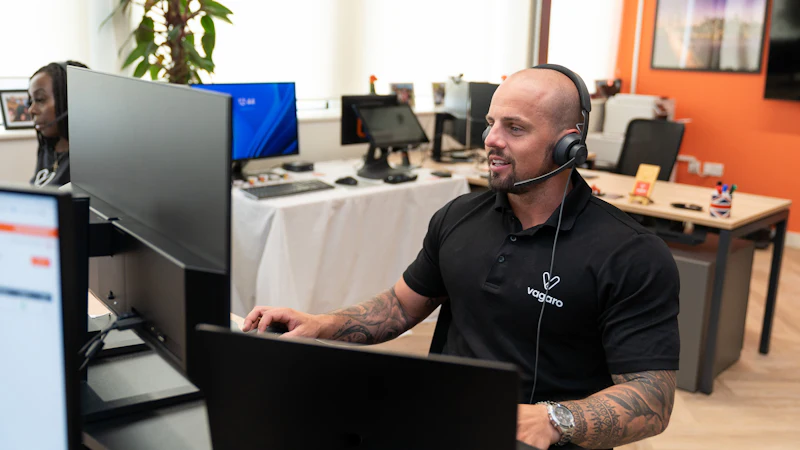
In-house IT staff are often stretched thin. One person can’t answer every ticket, watch for threats overnight, and run a server upgrade at the same time. Co-managed IT fills those gaps with on-call technicians and the same monitoring, security, and documentation tools we use for our fully managed clients, while your staff stays focused on the projects that move the business forward.
| Fully managed IT | Co-managed IT | |
|---|---|---|
| Who runs IT day to day | BlueKey IT | Your IT team, with BlueKey IT as backup |
| Tools | BlueKey IT’s tool stack | Shared logins to Datto RMM, Datto EDR, and IT Glue |
| What’s covered | Everything in your plan | Only the modules you choose |
| Best for | Businesses without IT staff | Businesses with one IT person or a small IT team |
No internal IT staff? See managed IT services.






Co-managed IT is priced by module. Start with the gap that hurts most, such as help desk overflow or overnight security monitoring, and add modules as your needs change. Related services: help desk support, 24/7 monitoring, endpoint security, backup and disaster recovery, and Microsoft 365 and Google Workspace.
We meet with your IT lead to choose modules and agree on who owns what, from ticket types to escalation paths.
We deploy our agents, set up shared logins to Datto RMM, Datto EDR, and IT Glue, and document your environment together.
We handle what you hand off, escalate to your team as agreed, and review the partnership regularly as your needs change.
Response times are measured in business hours.
| Priority | First response | Example |
|---|---|---|
| Critical | 1 hour | Server down, office cannot work, suspected breach |
| High | 2 hours | Email or internet down for a user or team |
| Medium | 4 hours | A device or app issue with a workaround |
| Low | 8 hours | New user setup or a routine change request |
Businesses with a solo in-house IT person or a small IT team that need more coverage, security expertise, or project capacity. We support internal IT teams at medical practices, law firms, accounting firms, architecture and engineering firms, and growing companies. For compliance help, see cybersecurity and compliance.
You pay only for the modules you choose. We will scope your needs with your IT lead and give you a clear quote.
Co-managed IT is a partnership where an outside IT provider works alongside your in-house IT staff. Your team keeps ownership of IT, and the provider fills gaps such as help desk volume, security monitoring, projects, and coverage when staff are out.
With fully managed IT, BlueKey IT runs your IT for you. With co-managed IT, your internal team stays in charge and BlueKey IT supports them with the specific services and tools they choose.
No. Co-managed IT is built to support your IT staff, not replace them. Most clients use it so their team can spend less time on tickets and routine maintenance and more time on projects and planning.
Yes. Co-managed clients get logins to Datto RMM, Datto EDR, and IT Glue, so your team sees the same devices, alerts, and documentation we do.
Co-managed IT is priced by module. You choose the services you need, such as help desk overflow, 24/7 monitoring and SOC, or project support, and we quote only those modules.
Yes. Vacation and after-hours coverage is one of our co-managed modules. We already know your environment from shared documentation in IT Glue, so coverage starts without a long handoff.
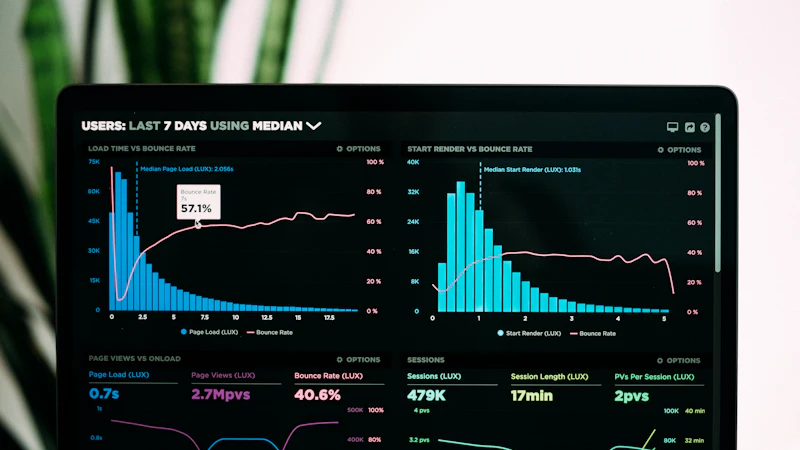
If you add the monitoring and SOC module, Datto EDR runs on your endpoints and RocketCyber SOC analysts review alerts 24/7. Your team can see the same alerts and decide how they want to be involved.
First response targets are 1 business hour for critical issues, 2 hours for high, 4 hours for medium, and 8 hours for low priority requests.
See who owns what between your IT team and an outside partner. The free BlueKey IT matrix walks through 13 core IT areas so you can mark owners, flag coverage gaps, and pick your top three priorities.
Want help filling it in? We will review it with you, recommend the right modules, and give you a clear quote. Schedule a consultation.
Related services: managed IT services, help desk support, endpoint security, and IT consulting.
Last updated: October 2026